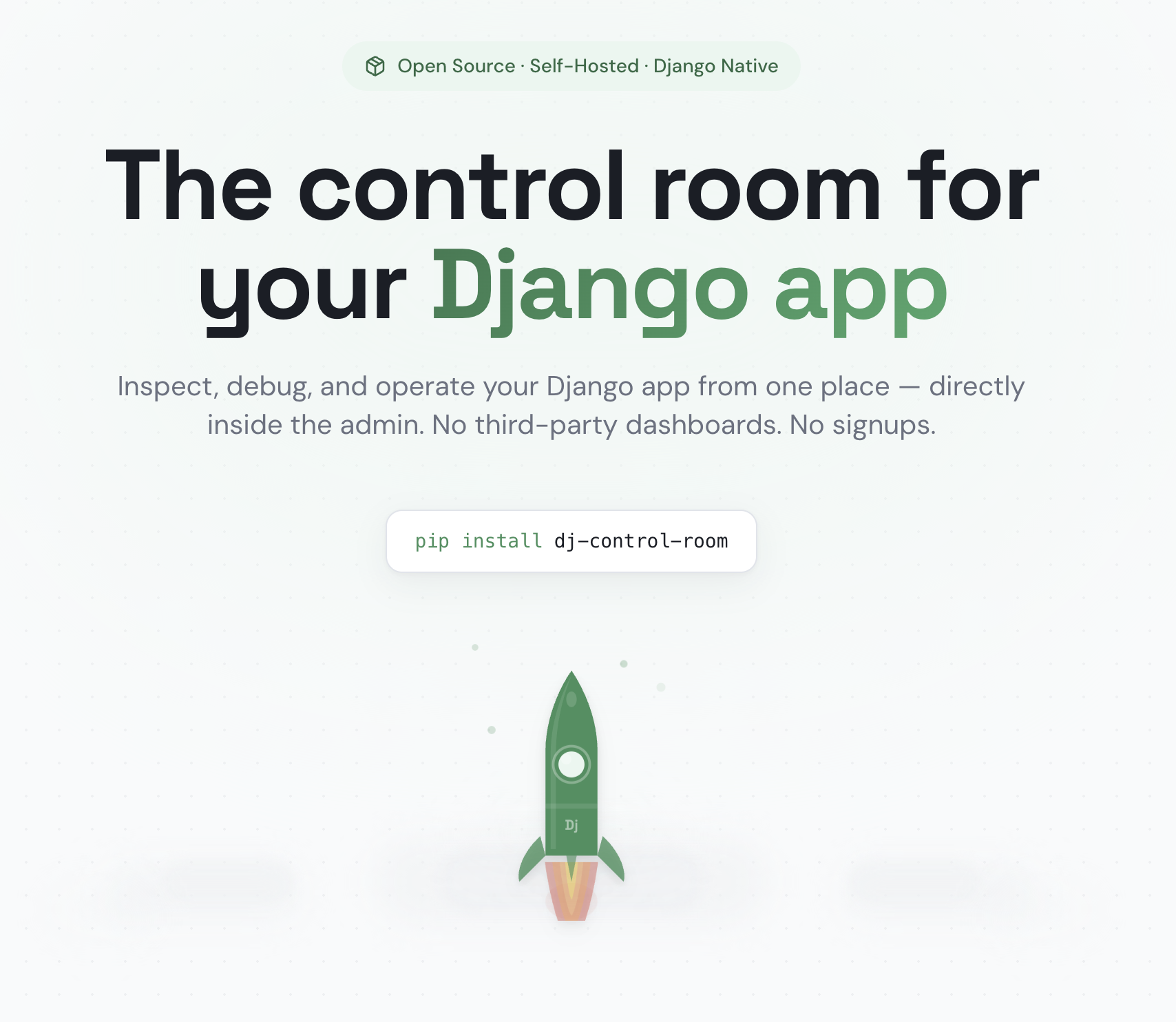
I’ve been writing Django apps for a long time (since 2011 that I can remember.) For as long as I have been using Django, I have also had to have a constellation of other applications for all sorts of purposes. Most of the time these function all require their own separate account and login.
- Monitoring system status
- Visualizing queue systems
- GUIs for databases
- Error tracking
- Request profiling
Django Control Room offers a simpler approach: Operational tooling should live inside the Django admin.
With Django Control Room, you create a control plane right inside your application by pooling together a suite of open source, self hosted software right inside your application. This means no external logins, vendor lock in; It’s just your existing admin, extended to provide the visibility and operability teams need.
Why build tools in the Admin?
The Django admin is one of the most underutilized components in modern web development. It already provides authentication, permissions, staff-only access, and a familiar interface. It seems like the perfect surface to build on top of, yet most teams ignore it when it comes to operational visibility and default instead to external systems.
That fragmentation comes at a cost: context switching, configuration overhead, security surface area, and recurring SaaS dependencies. Django Control Room inverts that model. Instead of sending developers outward to manage infrastructure, it brings operational insight inward and into the application itself.
The tools at a glance
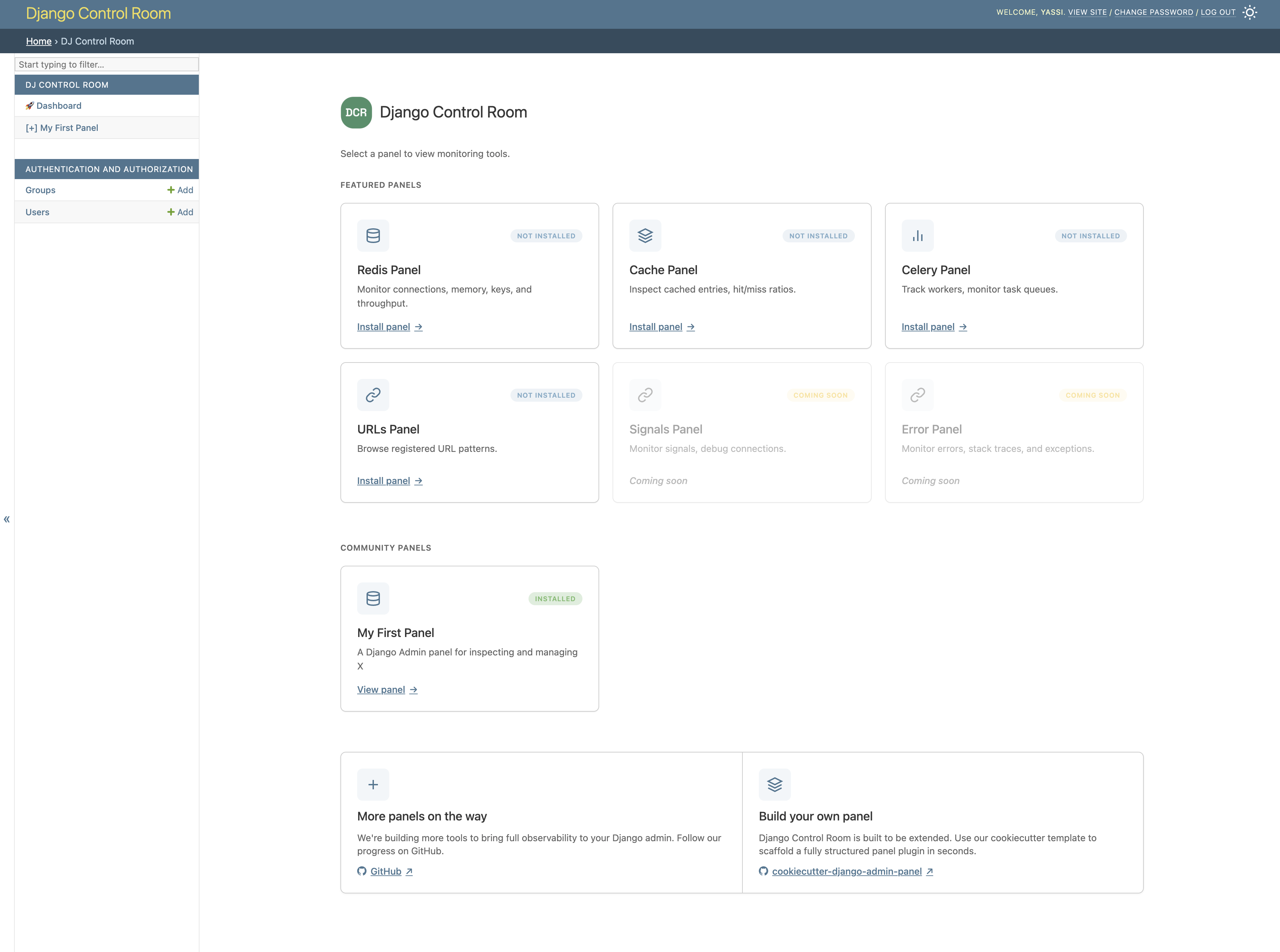
Django Control Room is modular. Each panel can be installed independepently or it can be installed as part of the control room.
Redis Panel (dj-redis-panel)
dj-redis-panel enables developers to inspect keys, view TTL values, decode stored data, and safely delete entries—all without redis-cli or shell access. It’s especially useful for debugging cache layers and background task coordination.
Cache Panel (dj-cache-panel)
dj-cache-panel provides visibility into configured cache backends, allows safe cache clearing, and surfaces runtime cache behavior. For teams relying heavily on Django’s caching framework, this removes the guesswork.
Celery Panel (dj-celery-panel)
dj-celery-panel exposes active, reserved, and scheduled tasks, along with django-celery-beat periodic tasks and worker inspection. For many teams, it replaces the need for Flower while maintaining a consistent Django-native experience.
URLs Panel (dj-urls-panel)
dj-urls-panel lists every registered URL pattern, supports search by namespace, and provides a lightweight testing interface. In large Django projects where routing becomes opaque, this panel restores clarity and can eliminate the need for a separate Swagger interface.
There are many more panels and tools still in the works.
Extensibility
Django Control Room is not just a collection of tools, it is also a framework that makes building your own admin panels easy. Simply use the official cookiecutter template:
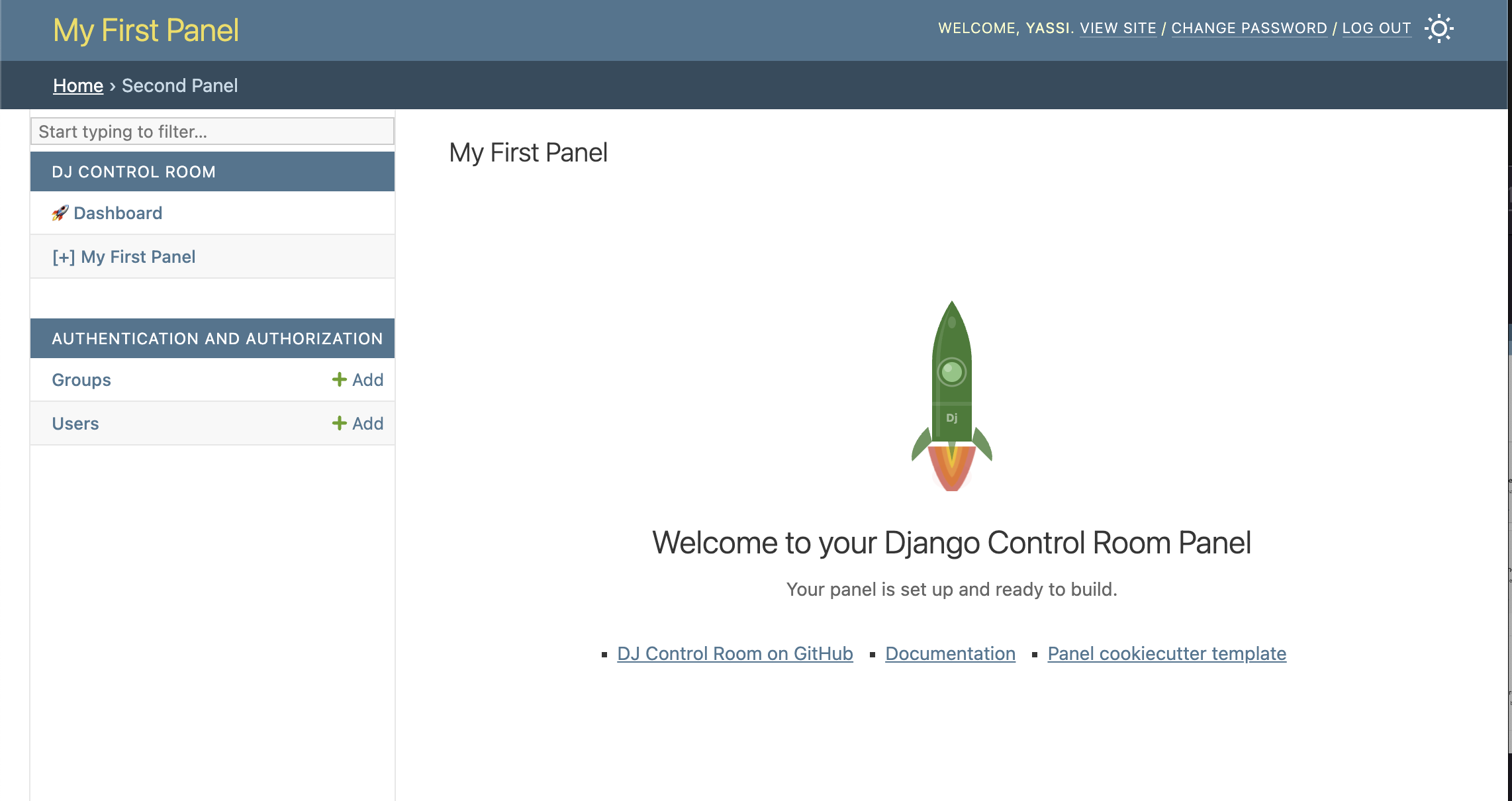
This will bootstrap your panel so you can start building your own software right inside the admin.
Get Invloved
- GitHub: https://github.com/yassi/dj-control-room
- Website: https://djangocontrolroom.com
Django Control Room is open source and actively developed. If you build with Django, feedback and contributions are welcome.
The admin has always been one of Django’s defining strengths. Django Control Room builds on that foundation and extends it into operational territory—without adding external complexity.